 RDesk
RDeskRemote desktop · Direct over Tailscale
RDesk
Control your own computer from your phone
Your phone connects to your computer peer to peer over Tailscale, with no relay server in between. Video, sound and every tap are end-to-end encrypted. Hardware video up to 60 fps, your computer's audio, and its real cursor.
Free · Open-source host (MIT)
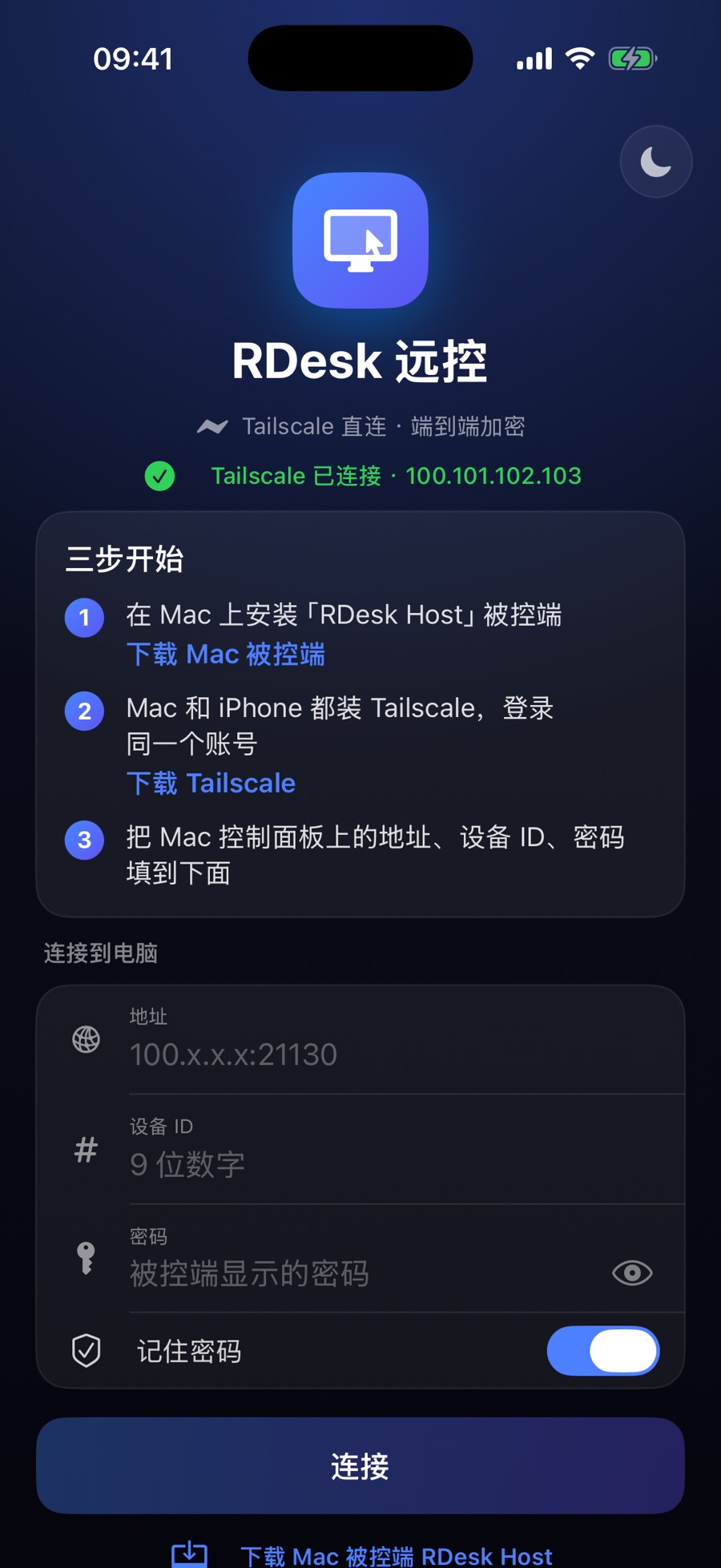
- Viewer
- iPhone / iPad, Android, Mac, Windows
- Host
- Mac (macOS 14+), Windows 10 / 11
- Connection
- Peer to peer over Tailscale, no relay
- Price
- Free. No accounts, no ads
Direct, not relayed
Your phone and computer connect directly over Tailscale. No public IP, no port forwarding. Works on Wi-Fi and cellular.
End-to-end encrypted
Video, sound and every tap are encrypted with AES-256-GCM, keyed from the device ID and password. There is no RDesk server and we never see your screen.
Smooth on cellular
Hardware H.264 up to 60 fps. When the network gets busy the bitrate drops at once, so the picture softens instead of freezing, then climbs back.
Hear your computer
Videos and music on your computer play on your phone too. One tap mutes it and stops sending audio to save data.
Real cursor, mouse mode
See the computer's actual cursor. Slide anywhere to move it, tap to click, even on tiny buttons. Two fingers scroll, pinch to zoom.
Made for phones
One-tap landscape, Chinese input and hardware keyboards, a special-keys panel with Esc, Tab, arrows, copy and paste, and light and dark themes.
Download
Install the host on the computer you control, the app on the device in your hand.
HOST · THE COMPUTER BEING CONTROLLED
Mac host · RDesk Host
macOS 14 or later, Apple silicon and Intel. Free, open source and notarized by Apple.
Free downloadWindows host
Windows 10 / 11 (x64 and ARM64). Beta, not code-signed yet: choose "Run anyway" on first launch.
Free downloadVIEWER · THE DEVICE YOU CONTROL IT FROM
iPhone / iPad
iOS 17 or later
Android
Android 8 or later
Mac viewer
macOS 14 or later. Control another computer with your own keyboard and mouse; ⌘ maps to Ctrl on Windows.
Free downloadWindows viewer
Windows 10 / 11 (x64 and ARM64). Opens its own window and controls Macs and PCs; Ctrl acts as ⌘ on a Mac. Beta, not code-signed yet.
Free download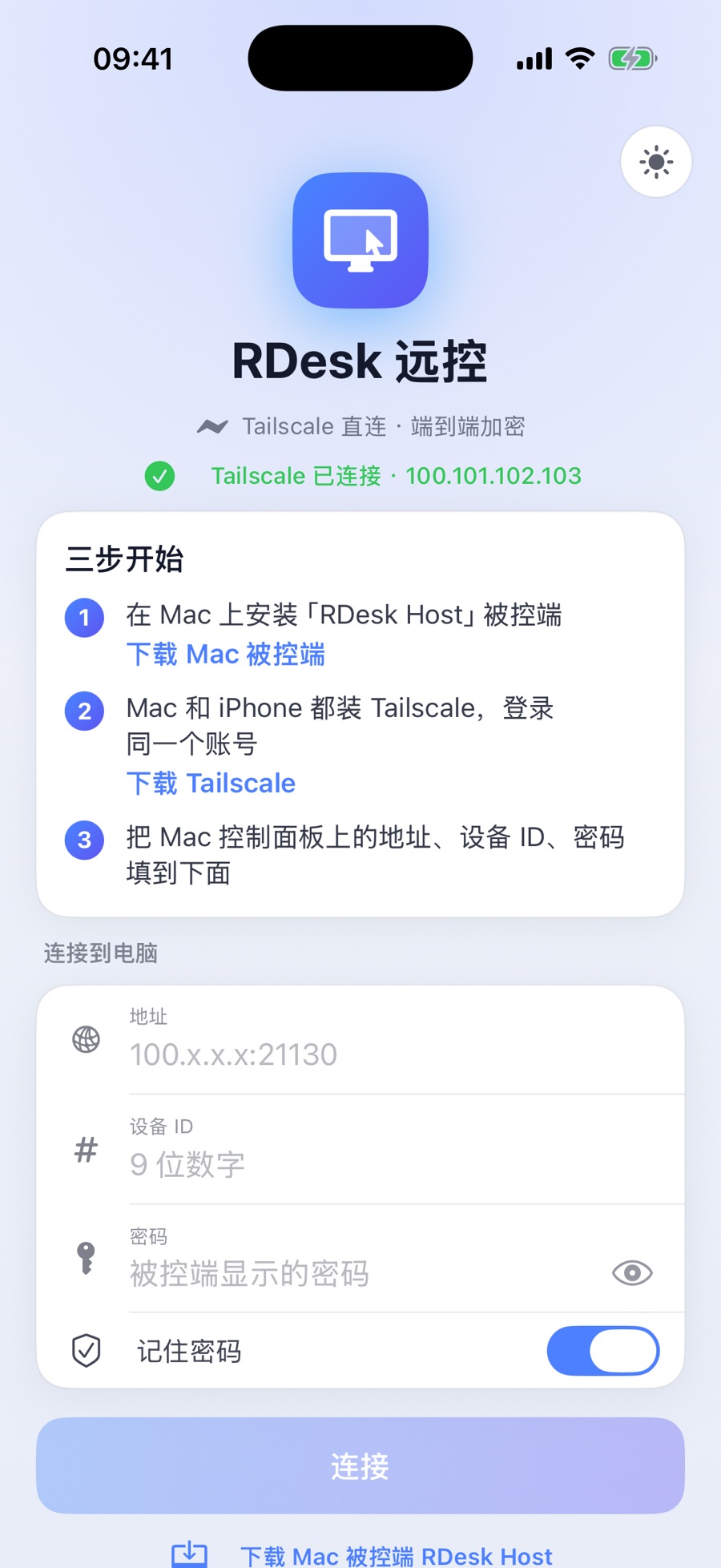
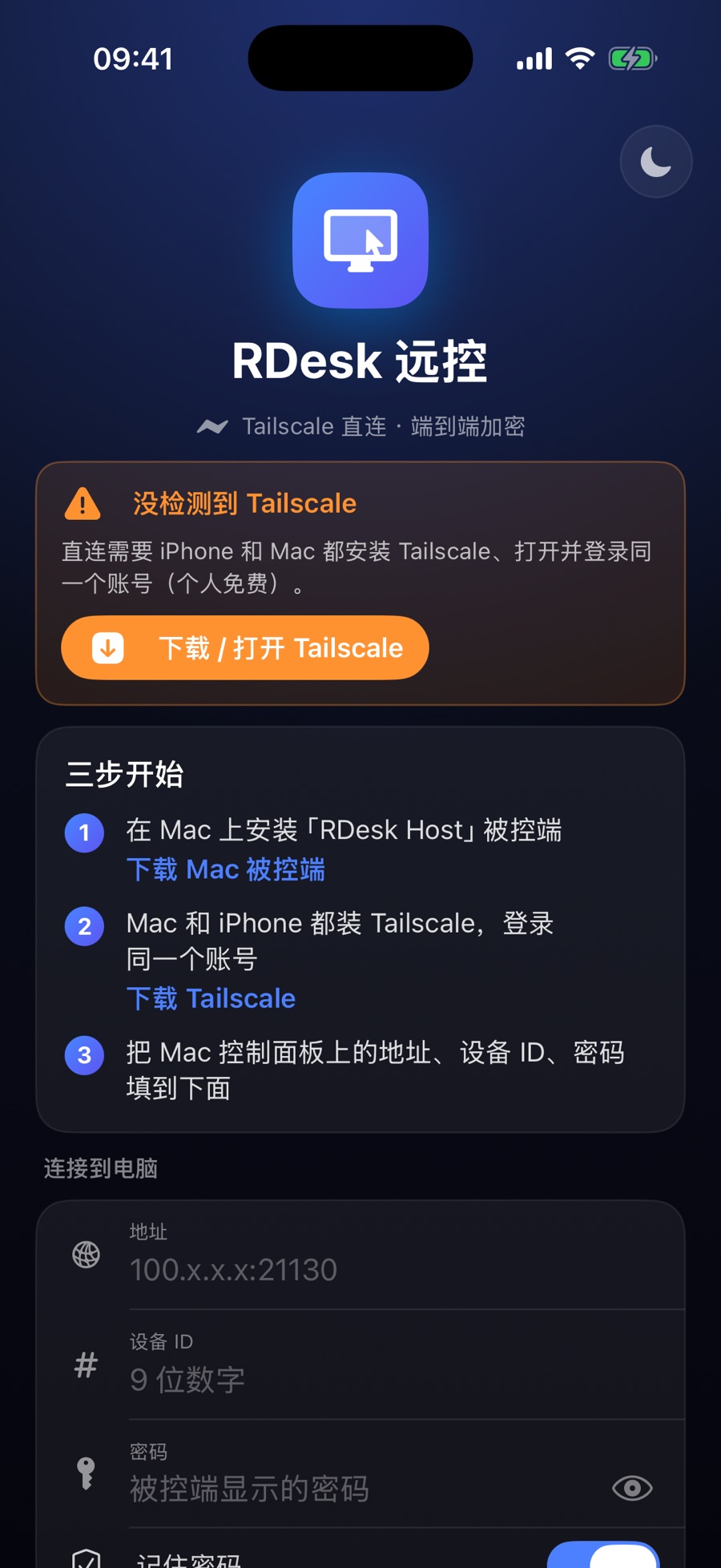
Three steps to start.
- On the computer you want to control, download RDesk Host. Mac: move it to Applications, open it and allow Screen Recording and Accessibility; the menu bar icon shows the address, device ID and password. Windows: unzip and double-click rdesk.exe; its window shows the same three items.
- Install Tailscale on both devices and sign in to the same account (free for personal use).
- Open RDesk on your phone, enter the address, device ID and password, and tap Connect. The interface is in Simplified Chinese.
Questions?